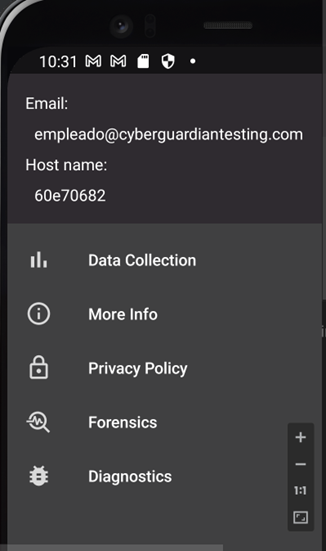
How do I install Cyber Guardian on Android?
Android 9 or higher is required.
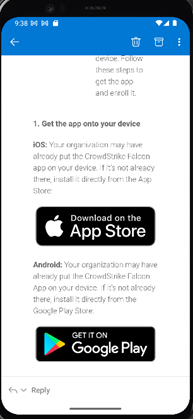
To install Cyber Guardian on your Android device, first access the email where protection license was sent to you.
Then, you will need to click on the image of Google Play Store.
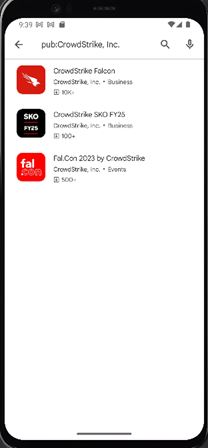
Next, you will need to select the device protection app from the list of apps that are displayed below
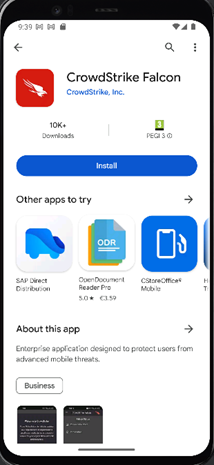
Next, you must click on Install.
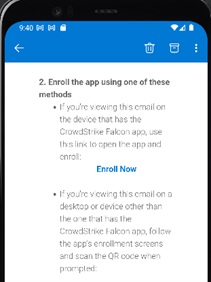
Then, at the end of the installation you must return to the email where you downloaded the application and place yourself in the second step indicated to make the registration by clicking on Enroll Now.
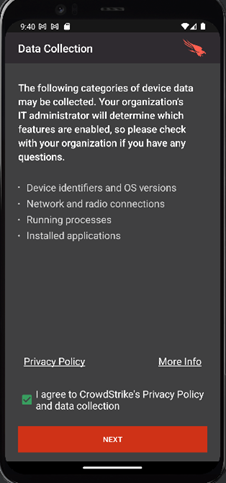
Subsequently, you will have to accept the Privacy Policy of the application -by checking the box enabled- and click on Next.
And finally you will get your device ID, thus finalising the installation and registration process.