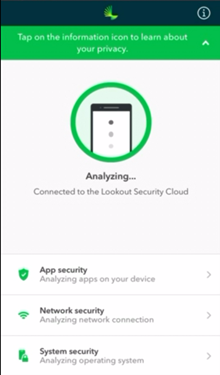
How do I install Cyber Guardian on iOS?
Lookout for iOS requires iOS 13.0 or later
To install Cyber Guardian on your iOS device, first access the email box where protection license was sent to you.
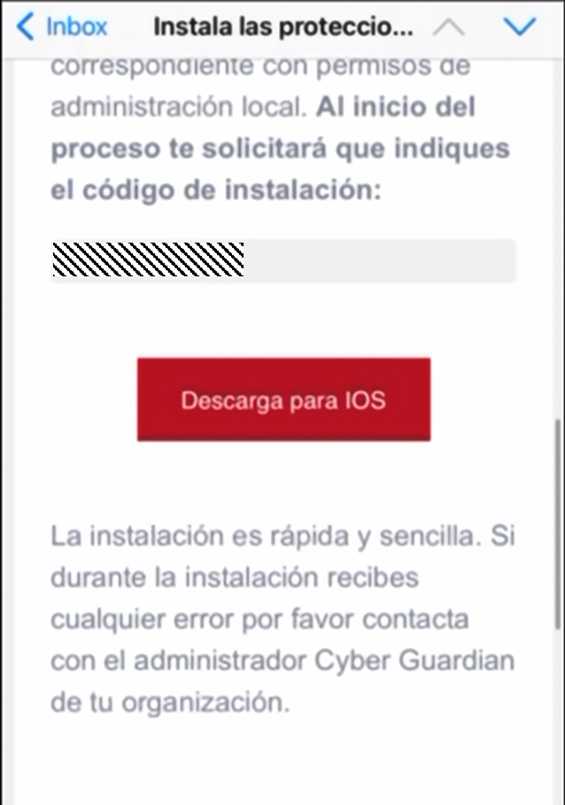
Next, you must copy the installation code in the email and click Download for iOS.
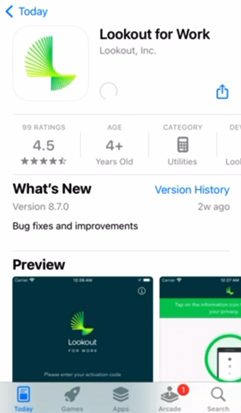
Then on the Lookout for Work screen you will need to download the application.
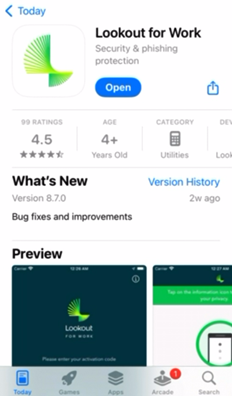
Once downloaded, you must click Open.
Then, where it says Activation Code please insert the code you received by email.
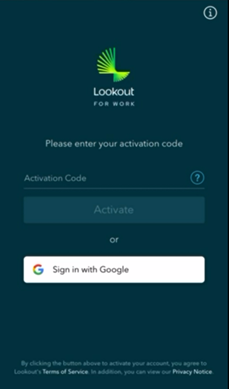
Once you have pasted the code and clicked on Activate, you must enter the email address where the license was sent to you.
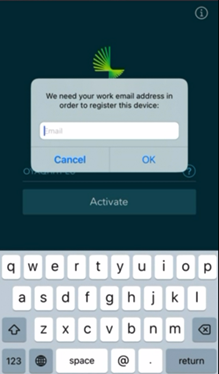
Finally, installation and registration process is completed.